This website uses cookies and pixels (Google, Meta) to analyze usage data, improve the browsing experience and display tailored advertisements. Use of the website constitutes consent to the Kashi Group Privacy Policy.
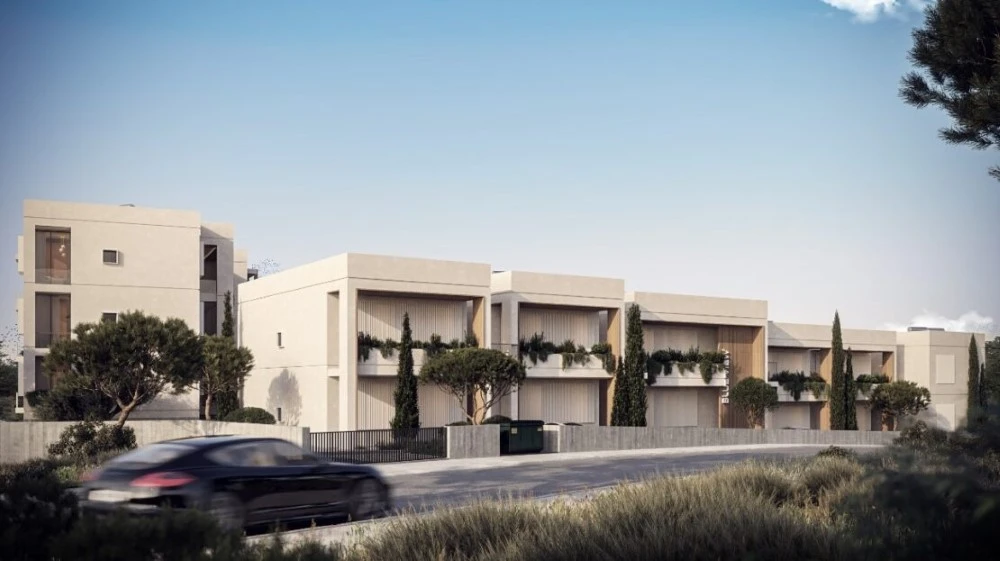
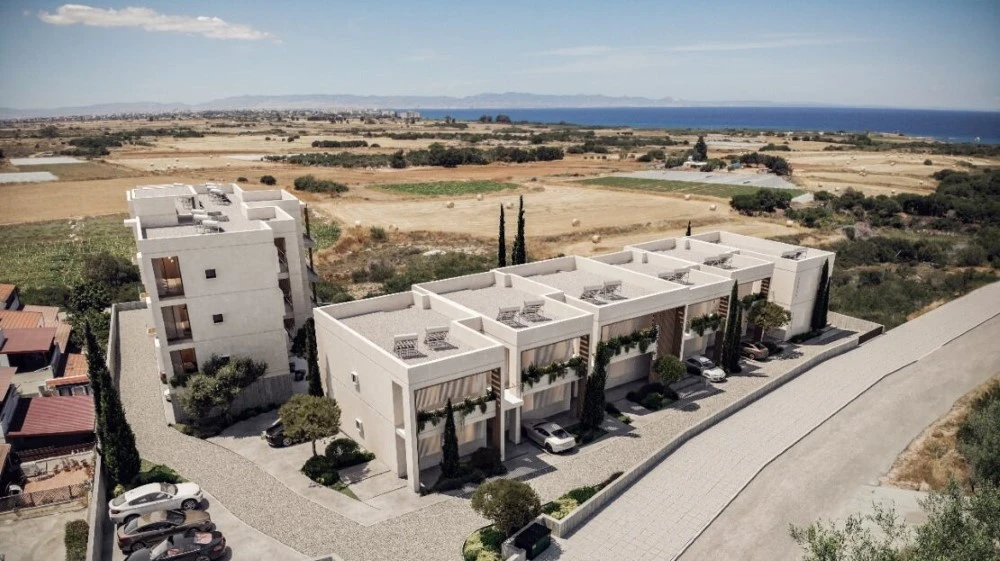
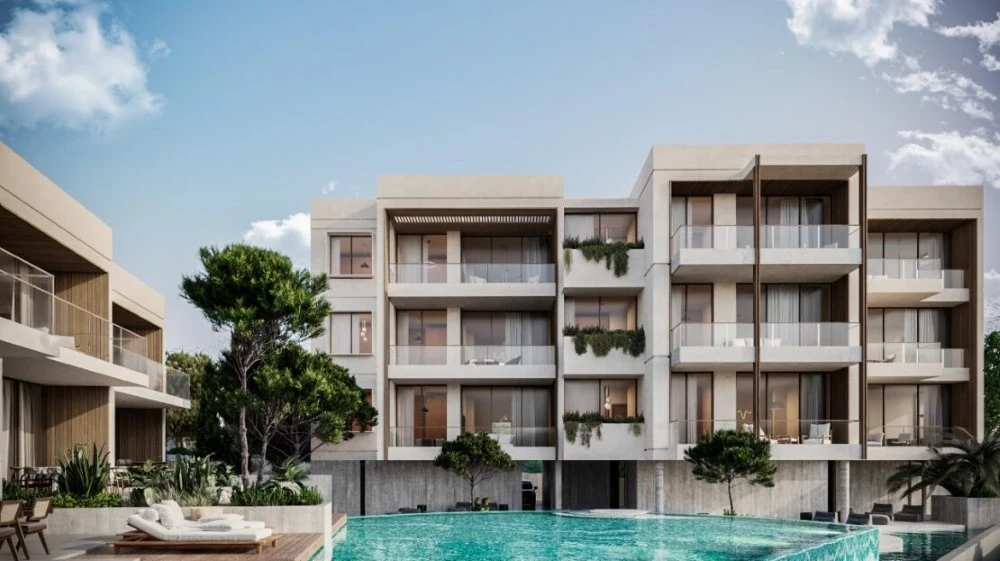
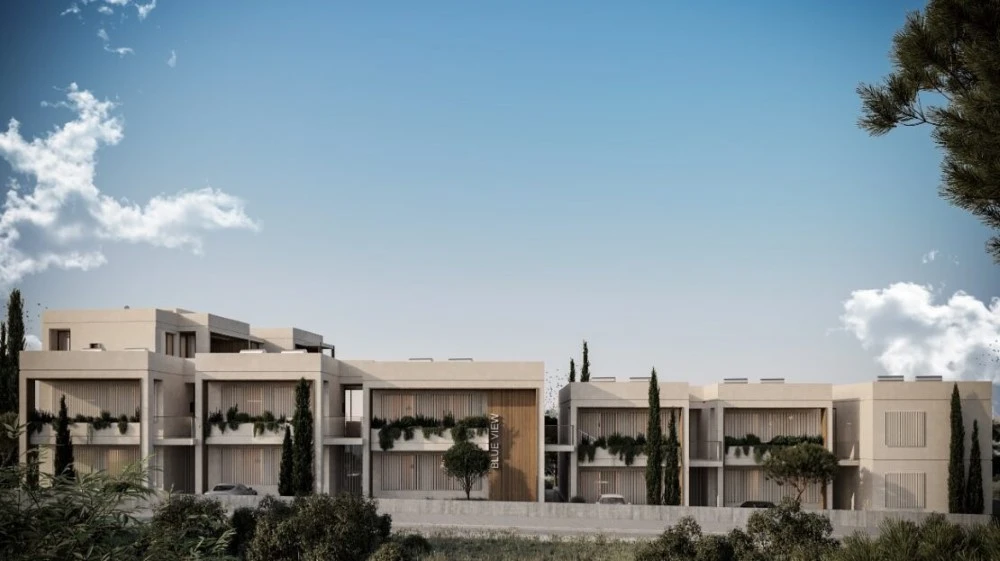
As requested in the email, I made a mega menu for Kashi for **"New Projects"** and **"Hand 2"**. On the desktop, each menu opens with a mouse hover, like in Morag's example. On the right side, Kashi's existing categories appear, and on the left side, the **"Hottest Projects"** box with Bay View, Celestial, Fig Tree, and Homer, in the order you requested. On mobile, the box appears within Kashi's hamburger menu. [kg.co.il](https://www.kg.co.il/?utm_source=chatgpt.com) **To embed** In Elementor → Custom Code, create a new code at the **` – End`** location and select **Entire Site**. Paste the entire block. The code is centered in the existing menu widget in the Hadar template **52**. I checked on a copy of the home page that both menus open on the desktop, that moving the mouse into the menu works, and that you can navigate with the keyboard and close with `Esc`. I did not publish on the site. The mobile test and the attachment of the preview image were not completed. ```html
`` `